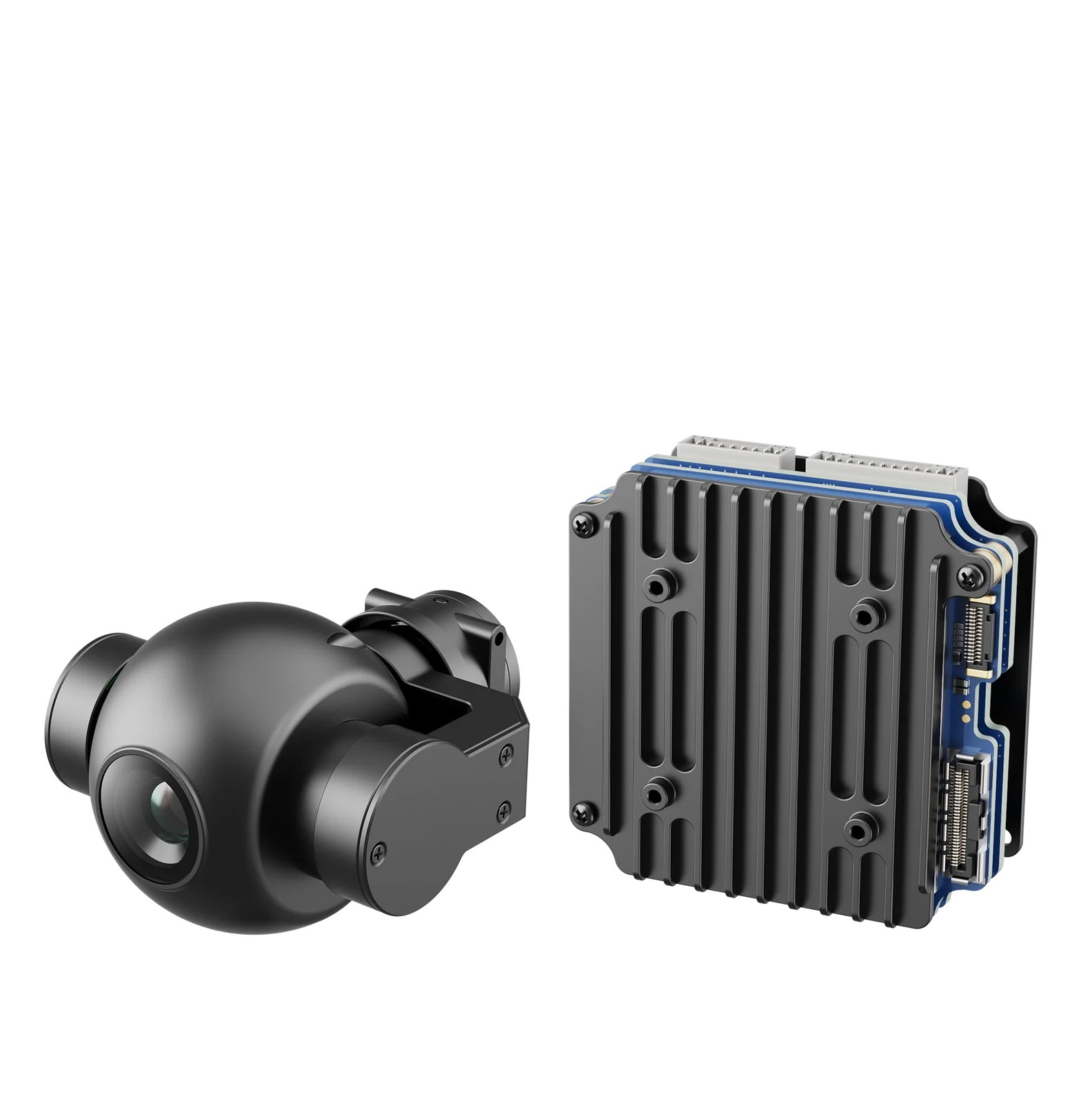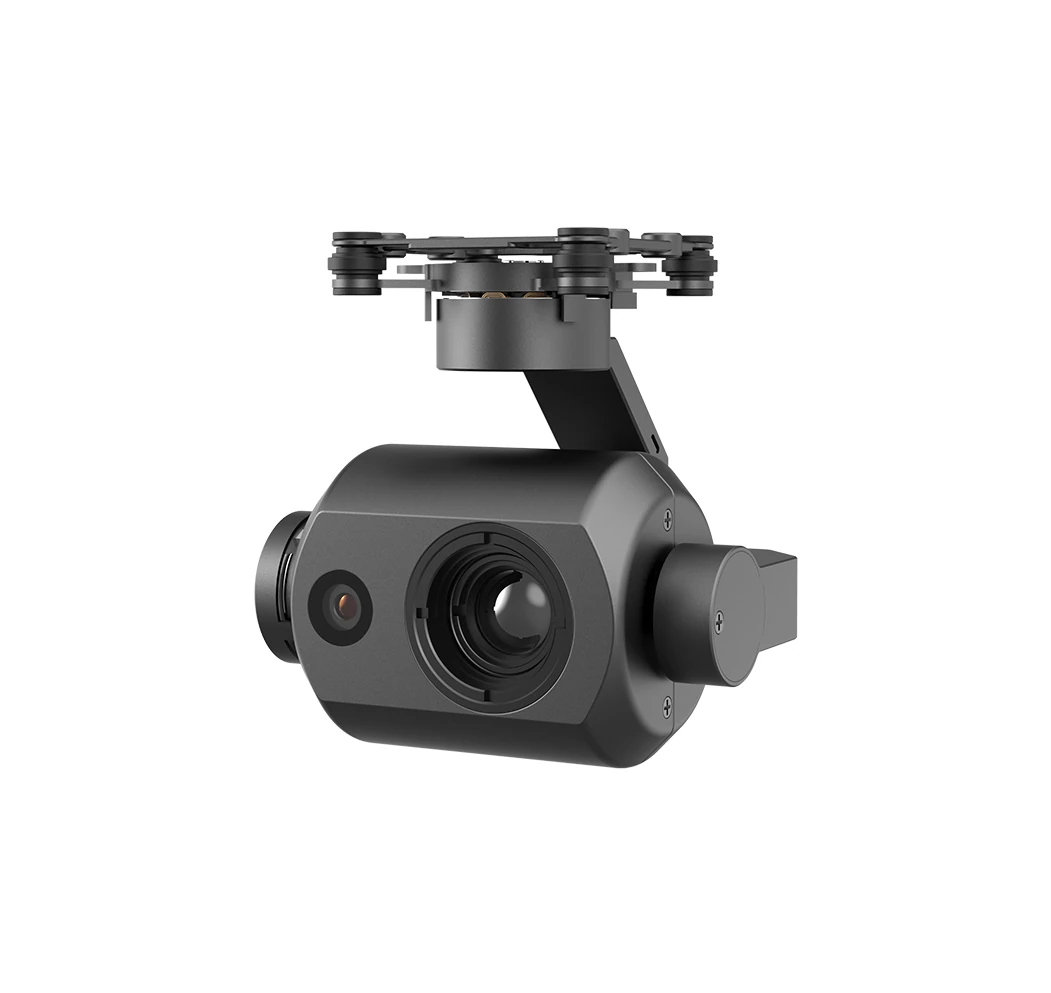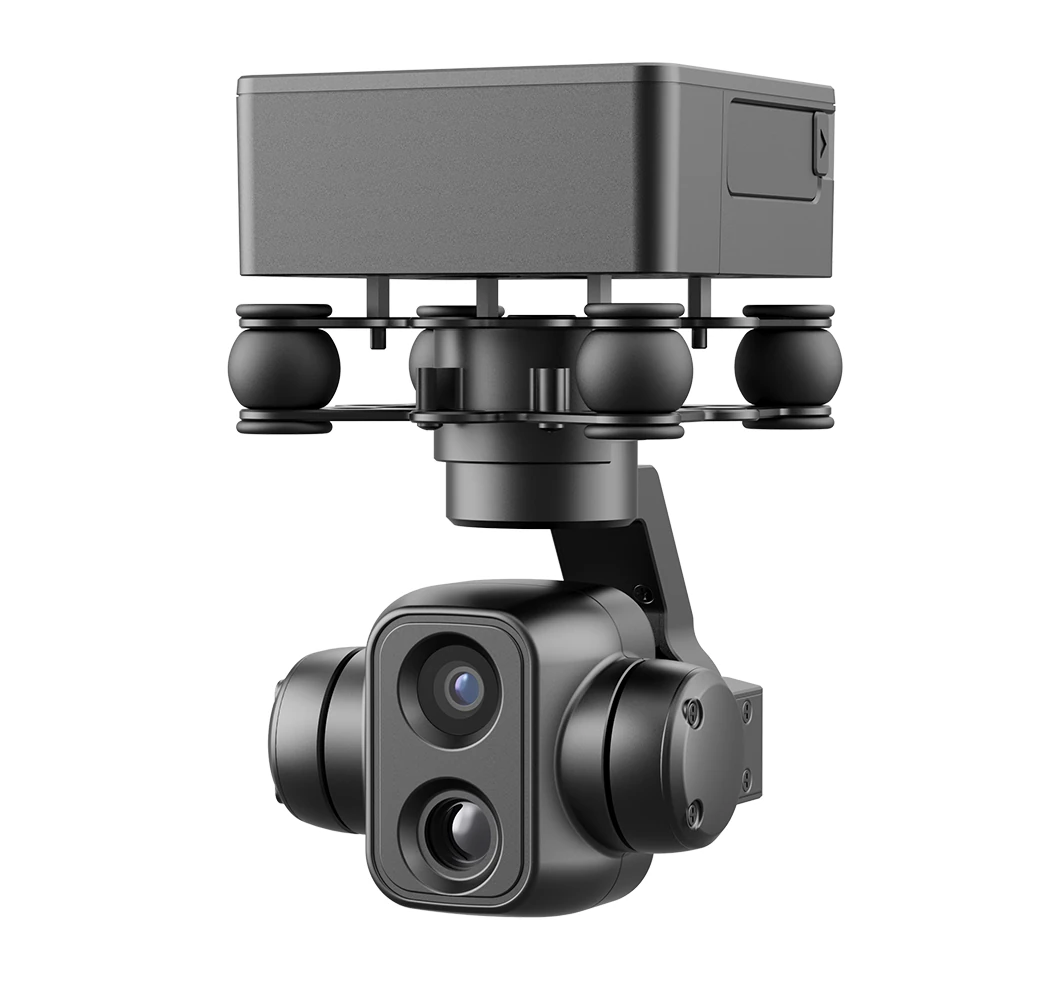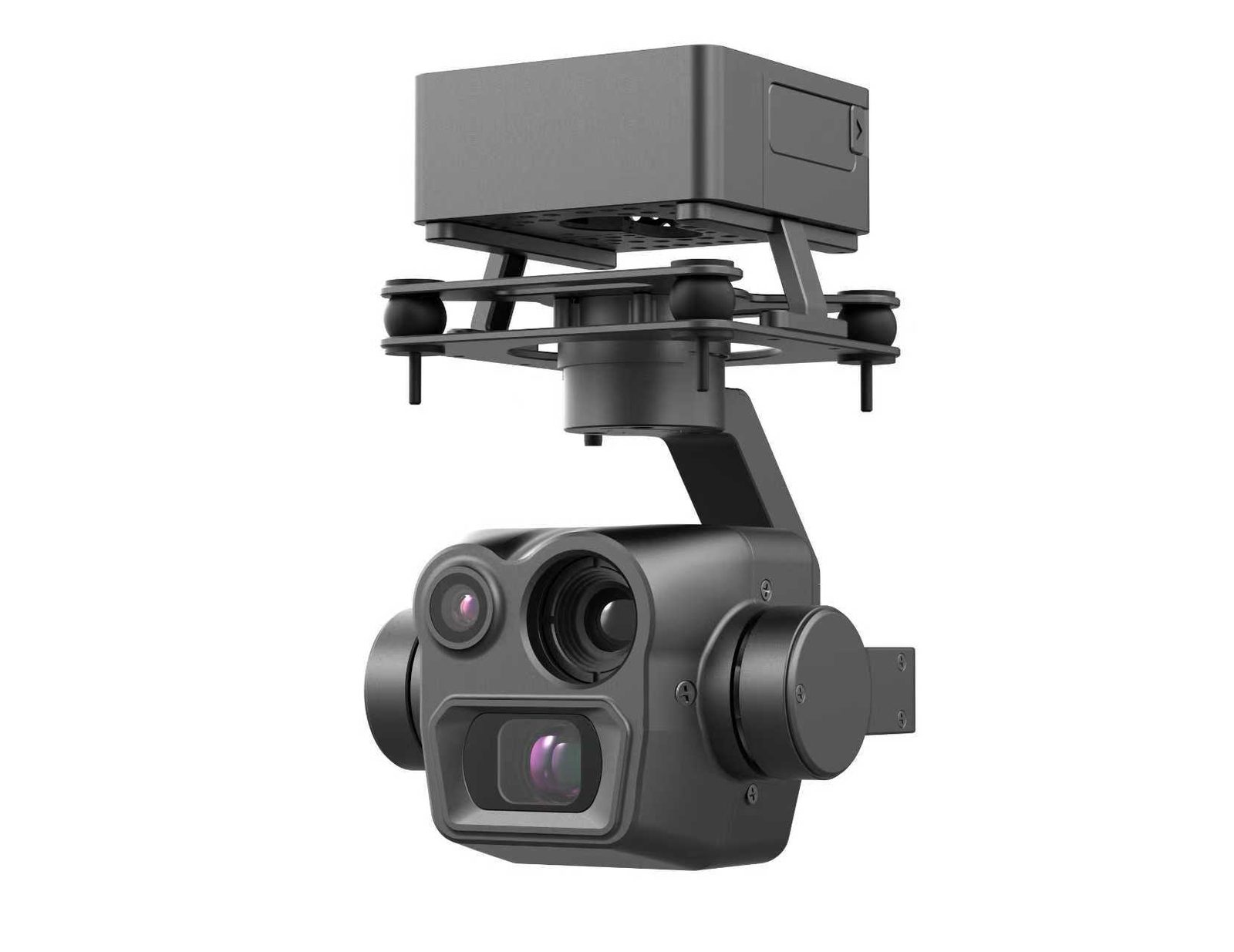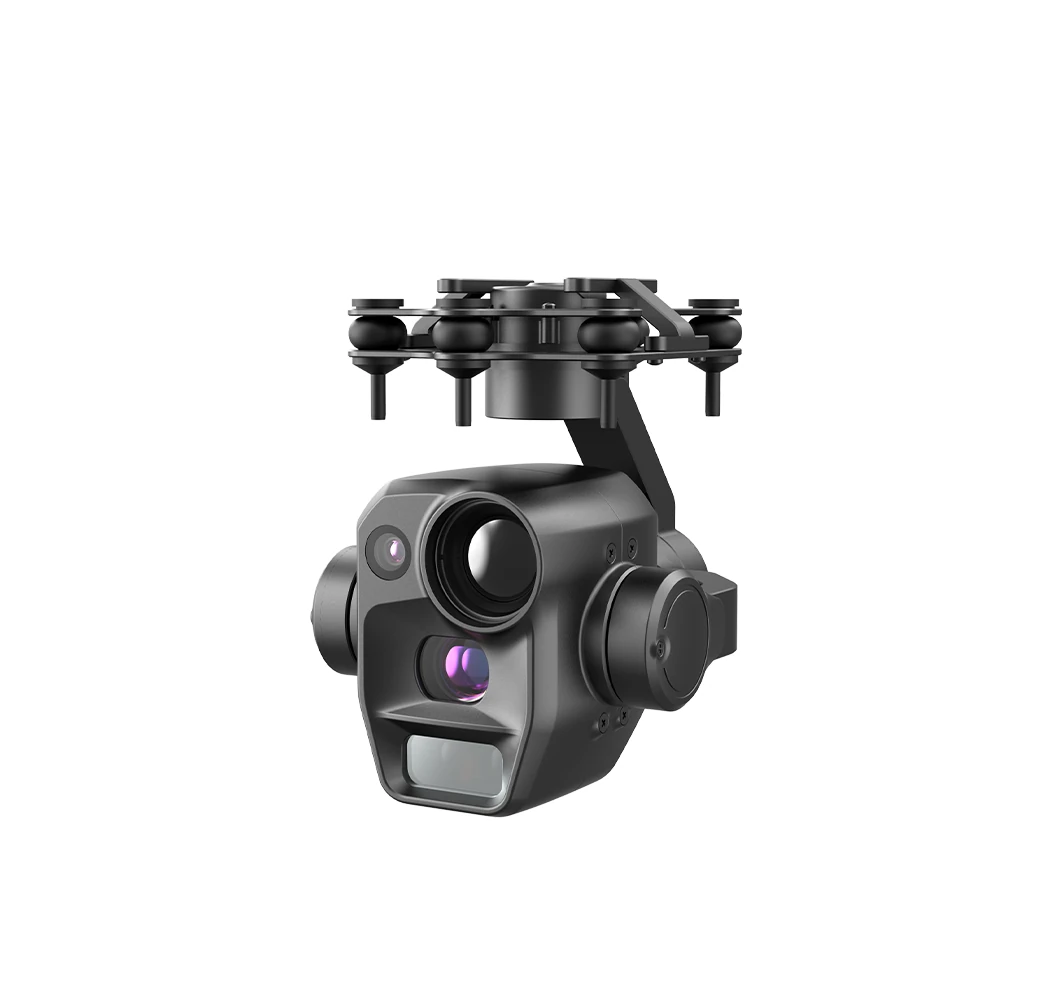
Gimbal Rated 9.5 W Steady State: Why You Must Budget 32.4 W
A gimbal rarely fails to fly because its specs fall short. It fails because the wiring does not match. Ranked by how often this happens, the first three are power, video, and control.
Power comes first, because it hides a gap that is easy to miss. On the PUTT215 data sheet, steady-state power draw reads ≤9.5 W, while the supply requirement reads DC 10.8 V to 26.4 V at 3 A. Multiply 3 A by the lowest voltage, 10.8 V, and you get 32.4 W, three and a half times the steady-state figure.
The two numbers do not contradict each other. They describe two different moments. 9.5 W is what the gimbal draws once it is flying and holding steady. 32.4 W is what it draws during the one or two seconds when it powers up, zooms, and starts the thermal core. All three land on the same instant. The three-axis motors fight the airflow to hold attitude, the zoom lens pushes its optics, and the thermal sensor spins up. Current spikes, then settles back under 1 A.
It is worth spelling out why the spike reaches that level. A gimbal motor's current is proportional to the resistance it has to overcome. A hovering aircraft is not still. Air keeps pushing the airframe, and when a gust hits, the three motors must deliver counter-torque within a very short window to hold the picture steady, and that instant can draw several times the current of a calm hover. The zoom lens behaves the same way as it pushes its optics, the motor has to overcome the inertia of the lens group. The thermal core concentrates its inrush into the first few hundred milliseconds after power-up. Stack the three together and you arrive at the 3 A on the data sheet.
Think of a household air conditioner. The nameplate says one or two kilowatts, but the compressor's inrush at startup is far above its running draw, which is why the breaker in an older house often trips the moment you switch it on. Gimbal power design works the same way. Size the supply for the running current and it will stumble at startup.
When it stumbles, the gimbal usually does not burn anything, it resets. The bus voltage sags, the gimbal's supply drops outside its operating window, the control board reboots, the gimbal returns to its home position, and the picture goes black. When the voltage recovers, it comes back on its own, so what you see in the field is "black for a moment, fine again, black again on the next flight". Intermittent faults like this are the hardest to trace, because they will not reproduce on the bench.
That is exactly where the trap sits. During bench integration the lens never snaps through a zoom and the thermal core never starts at full load, so the supply looks more than adequate. The problem only appears after the aircraft lifts off and the operator pushes the zoom.
There is a very low-tech way to catch it early. On a test bench, run the gimbal through a continuous zoom while switching to thermal, and watch the voltage curve at the gimbal's supply input with an oscilloscope or a power supply that logs voltage. If it holds through both without dropping below 10.8 V, it will almost certainly be fine in the air. Ten minutes here is cheaper than a day of troubleshooting after landing.
So the supply has to be sized for the peak, not the steady state. When the data sheet says 3 A, it means the power path has to survive 3 A, not that the gimbal continuously draws 3 A. Wiring for 1 A saves a little weight in cable and connectors, but what you save is margin.
The other end of the supply window is convenient. 10.8 V to 26.4 V covers the voltage range of 3S through 6S lithium packs (a 3S pack is 12.6 V fully charged, a 6S pack is 25.2 V). Most multirotors can run the gimbal straight off the main battery, with no extra step-down module. One less stage means less weight and one less connector that can loosen or go intermittent. Only platforms whose pack voltage falls outside this window need extra conditioning.
| Model | Supply range | Steady-state draw | Peak power (10.8 V × 3 A) | Weight |
|---|---|---|---|---|
| PUTT215 | DC 10.8 V to 26.4 V @3 A | ≤9.5 W | 32.4 W | 215±5 g |
| PUTT225 | DC 10.8 V to 26.4 V @3 A | ≤10 W | 32.4 W | 225±5 g |
| PUTF270 | DC 10.8 V to 26.4 V @3 A | ≤9 W | 32.4 W | 280±5 g |
The operating temperature row is worth a look too: −20 °C to +55 °C. That range carries real meaning for daytime work in the Middle East and Africa. At midday in summer the surface can hit fifty or sixty degrees, the housing relies entirely on airflow in flight for cooling, and a long hover needs margin rather than flying pinned to the upper limit. Winter in a colder climate is the reverse. −20 °C is the lower bound, and batteries need warming before takeoff, otherwise capacity drops fast and you will not reach the rated flight time.
Which Path the Video Takes Decides How the Picture Gets Back
There are three video outputs: HDMI, Ethernet, and coax. They look like three different connector shapes, but they are three very different links. Pick the wrong one and the whole video chain has to be rebuilt, not just re-tuned.
HDMI carries an uncompressed signal, which gives the best picture and the lowest latency, so it suits feeding the gimbal directly into an onboard video transmitter. It sends every pixel of every frame as-is. The data volume and clock rate are high, so it is sensitive to cable length. Run the cable long and the high-frequency signal starts to attenuate, and the picture shows snow or drops out altogether. Onboard routing should be short and tied down, since a cable that loosens slightly under vibration can cause an intermittent contact. That is its only real limit, but it is a hard one.
The Ethernet port is different, it carries a compressed RTSP stream. Compression keeps the data volume small: one ordinary network cable can carry video and control at once, and an onboard computer, a ground station, a recorder, and an AI box can all pull from the same address, with no video splitter in the chain. AI recognition setups almost always take this route. The picture leaves the gimbal and goes straight into the algorithm, and the recognition result comes back to the ground, with no extra conversion in between.
The catch is bandwidth. An RTSP stream is compressed, and the bitrate depends on resolution, frame rate, and codec. One 1080p stream is typically a few Mbps, and four at once is four times that. Work out how many endpoints will pull at once and at what bitrate, then check what bandwidth the video link actually has left, or the picture will stutter and tear. Whether to run 1080p or 4K is not a case of higher being better either, it has to be decided together with the link and the algorithm. Plenty of recognition tasks are fine at 1080p.
Coax suits platforms with long cable runs and a noisy electromagnetic environment, where its resistance to interference is the strength, which is why it is common in analog video links. Picture quality depends on the whole chain end to end. From gimbal to transmitter to receiver, any weak segment will show up in the final image, so it has to be evaluated together with the video transmitter, not judged from the gimbal alone.
One detail gets missed often: whether the Ethernet port and HDMI can output at the same time varies by model. Some support both at once, for example one HDMI feed to the onboard transmitter and one Ethernet feed to the onboard computer for recognition. Others allow only one or the other. This line is easy to overlook on a spec sheet. Ask by model before ordering, rather than discovering during design review that you need a video splitter.
There is one more thing that gets conflated: which path the video takes only decides how the picture gets back to the ground, not how much detail it can resolve. How much detail you can resolve is a matter of focal length and field of view, and our piece on zoom versus fixed-focus works through that math.
Control: SBUS Moves the Stick, But It Cannot Do Auto-Tracking
There are three control ports, matching three ways of working. None is more advanced than another, and picking the wrong type is the most common reason for rework at the interface stage.
A TTL serial port is for in-house flight controllers and custom onboard boards, and suits writing gimbal control into the autonomous flight logic, for example turning automatically at a waypoint or locking on when a target appears. It moves little data, so a three-wire serial cable is enough, but it is the most sensitive to voltage levels. Feed a 3.3 V serial port with 5 V and the port burns out on the spot. They are both called "serial", but TTL levels and RS232 are entirely different things, so confirm both sides' levels before connecting, along with whether baud rate and command set line up.
Ethernet is for the onboard computer, sharing one cable with video, which is the most economical in wiring. Its precondition is that the aircraft already has a network, and most AI recognition setups now meet that, so Ethernet control is often available at no extra cost.
SBUS is for the RC receiver, and the pilot turning a stick rotates the gimbal, which is the simplest hookup. There is an easy misunderstanding here: being able to move the stick is not the same as being able to send the full command set. SBUS itself is the RC channel protocol, and what arrives over it is a handful of channel values, which cannot express task-level commands like "lock that target" or "fly there and shoot". Some have wired control over SBUS, assumed they could auto-track, and found the task parameters simply would not go through, ending up on the ground pointing and clicking by hand.
So for autonomous flight plus auto-tracking, control has to go over serial or Ethernet, and SBUS is kept for manual takeover. The two run in parallel without conflict, which is in fact how most integrated setups work: normally driven by task logic, and handed to the pilot's stick when human intervention is needed.
Tracking and geolocation also get mixed up. Tracking keeps the picture locked on a target; geolocation converts that target into latitude and longitude, which involves ranging and angular error and is a separate calculation, as our piece on target geolocation works through on its own. For how AI tracking itself is implemented, see this article.
| Control port | Who it is for | Key difference |
|---|---|---|
| TTL serial | In-house flight controllers and custom onboard boards, control written into autonomous flight | Levels must match (3.3 V / 5 V); baud rate and command set confirmed with the factory |
| Ethernet | Onboard computers and video transmitters with a network port | Agree IP and port; usually shares bandwidth with video |
| SBUS | RC receivers, manual stick control by the pilot | Carries only RC channel commands; cannot send the full command set |
Interface Summary by Model: The Value Is in the Empty Cells
Below are the interfaces already documented in our product database. The point of the table is not to show that everything is supported, but to lay out which cells are filled and which are not. For any empty cell, ask before ordering, and do not guess.
| Model | Control interface (documented) | Video output (documented) |
|---|---|---|
| PUTD095 | TTL serial, Ethernet, SBUS | HDMI / Ethernet / coax |
| PUTD070A | Not documented, to be confirmed | Ethernet, HDMI |
| PUDD075 series | TTL serial, Ethernet | Not documented, to be confirmed |
| PUTT215 / PUTT225 | Ethernet, SBUS, power serial (one wiring harness included) | Ethernet RTSP stream |
| PUTF270 | Ethernet, SBUS, power serial (one wiring harness included) | Ethernet RTSP stream |
Those "to be confirmed" cells are left there on purpose. On interfaces, the most expensive mistake is not choosing a lower-tier model, it is putting an unverified assumption into a proposal and discovering only when the goods arrive that the flight controller does not match. By then you are redoing the whole airframe's wiring, a cost far greater than one question asked up front. A cell with nothing in it does not mean the capability is absent, and a filled cell does not mean your hookup works as-is. Send the flight controller model, the video transmitter type, and the power architecture to the factory, and ask for a wiring list built around your platform. That step saves the most effort.
The same goes for the specs you can see. A data sheet may say 1500 m daytime recognition, and at 800 m you may not be able to measure a single wire. There is no false labeling in that, it is the laser spot, the angle of incidence, and the target size at work, and our piece on laser ranging runs the numbers. Interfaces and specs are the same kind of thing: the data sheet gives the ceiling, and whether you reach it depends on your field conditions.
The Five Places Interface Selection Most Often Goes Wrong
Pitfall 1: Sizing the onboard supply for steady-state draw
A light gimbal is not a low-power one. The 215 g PUTT215 draws under 10 W steady state, yet the peak must be budgeted at 3 A (32.4 W at the lowest voltage). The bench will not show the problem, because the camera will not pull peak current on a table.
Fix: budget the supply for peak current, and work the bus voltage through at both ends, pack fully charged and pack depleted. The full method for weight, power, and endurance is in the Micro Gimbal SWaP Budget Guide.
Pitfall 2: Treating SBUS as a universal control port
SBUS is an RC channel protocol. Hook it up and you can move the stick to steer the gimbal, but that does not mean the flight controller can send the full command set. Assume it can auto-track and the task parameters will not go through, leaving you on the ground pointing by hand.
Fix: route autonomous flight control over serial or Ethernet, and leave SBUS for manual takeover.
Pitfall 3: Using Ethernet for video only, forgetting it carries control too
On a gimbal with an Ethernet port, video and control can share one cable. Pull an extra serial control line "just in case" and you add wire and connectors on the aircraft, and with them more failure points under vibration.
Fix: when the onboard computer is already on the network, prefer a single Ethernet line, and spend the saved weight and wiring on the battery.
Pitfall 4: Assuming HDMI and Ethernet are mutually exclusive
Some models support both at once, some do not. Assume out of habit, and you discover during design review that you need a video splitter.
Fix: put "dual simultaneous output yes or no" into the procurement requirement, and ask by model before ordering.
Pitfall 5: Matching protocol names instead of levels and connectors
They are all called serial, but TTL levels and RS232 are not the same thing; they are all called network ports, but the hookup and the IP convention differ. Match the protocol name while missing the levels and connectors, and you still burn the port.
Fix: before ordering, send the flight controller model, interface levels, and connector type to the factory and ask for a wiring list for your platform. Follow it.
The Short Version
The order to check a gimbal interface is: size the power by peak current first, then choose the control line by the flight controller type, and last choose the video line by the video chain. Only once all three lines are right does it make sense to talk about resolution and zoom ratio, the specs you can see. If you are selecting a gimbal for a platform, send us the flight controller model and the video transmitter type, and we will check those three lines before discussing models.
Tell Us Your Setup
- Power line inspection, off-the-shelf flight controller, need to confirm the gimbal control port can join the existing serial bus → send the flight controller model, and we will produce a wiring list
- Security monitoring, onboard computer pulling RTSP for recognition → we will advise on bitrate and resolution for your bandwidth
- Project tender, need a complete interface and power supply table → send the platform parameters; scheme and selection advice are free
To confirm interface compatibility or get a wiring list, contact us.
FAQ: Frequently Asked Questions
Our flight controller runs MAVLink. Can it connect to the gimbal directly?
The control ports documented on our product pages are TTL serial, Ethernet, and SBUS. MAVLink is a flight-controller-side protocol, so the adaptation has to be confirmed against the specific flight controller model. Send us the model before ordering and we will verify it and give you the wiring; until that check is done, we do not assume interoperability.
Can the RTSP stream go to a ground station and a recorder at the same time?
Yes. RTSP is a network stream, and with enough bandwidth several endpoints can pull it at once: an onboard computer for analysis, a ground station for monitoring, a recorder for archiving. Assess the bitrate and bandwidth against the number of endpoints.
Can the Ethernet port and HDMI output a picture at the same time?
It varies by model. Some support dual simultaneous output, some allow only one. Put it into the procurement requirement and ask by model before ordering.
Can a 4S lithium pack power the gimbal directly?
Yes. The supply window of 10.8 V to 26.4 V covers 3S to 6S, and a fully charged 4S pack is 16.8 V, inside the window. Size the supply capability at 3 A, and do not estimate it from the steady state.
Can SBUS and a TTL serial port be connected at the same time?
Yes, they run in parallel. SBUS connects to the RC link for manual takeover, and the TTL serial port or Ethernet connects to the flight controller for autonomous control. Confirm the pin definitions before wiring, so that power pins do not conflict on potential.
Does the gimbal use a quick-release mount? Does a swap need re-leveling?
Several models ship with a standard quick-release and can be mounted or removed in 3 minutes. The quick-release is for swapping different gimbals on the same aircraft. After remounting, do one level calibration, per the manual included in the box.
Disclaimer: specifications in this article are taken from the factory data sheets of our products in the current range, and the formal quotation and the manual included in the box take precedence. Compatibility with third-party flight controllers and video transmitters must be confirmed against the actual model before it is written into a proposal. Figures such as recognition distance are laboratory nominal values under specific conditions, and real performance is affected by weather, target size, and reflective properties.